Why so much software training is forgotten by Friday, and what it takes to make new skills and systems actually stick.
Ever sat through a training session, nodded along, maybe even taken a few notes... and then realised you'd forgotten the lot before your tea had even gone cold? Yep, me too.
I've sat through more than my fair share of training, both in my twenty-plus years working in-house and since starting Optimised Office. Some of it was brilliant. A lot of it felt like a box someone needed to tick. It's one of the things that frustrated me most, and a big part of why I became a qualified trainer and set out to do things differently.
So, why does so much software training slip straight out of our heads, and what actually makes it stick?
Sound Familiar?
Training that hasn't landed doesn't usually fail dramatically. It just quietly fades away. The new system's there, but the trusty old spreadsheet never really left. The same questions keep coming up, usually all heading for the one person who "knows how it works". Paid-for features sit gathering dust, and somewhere there's a training folder nobody's opened since the day it was sent round.
And then there's the classic: "We did training on that." Said with a slightly vague look, about something nobody actually uses.
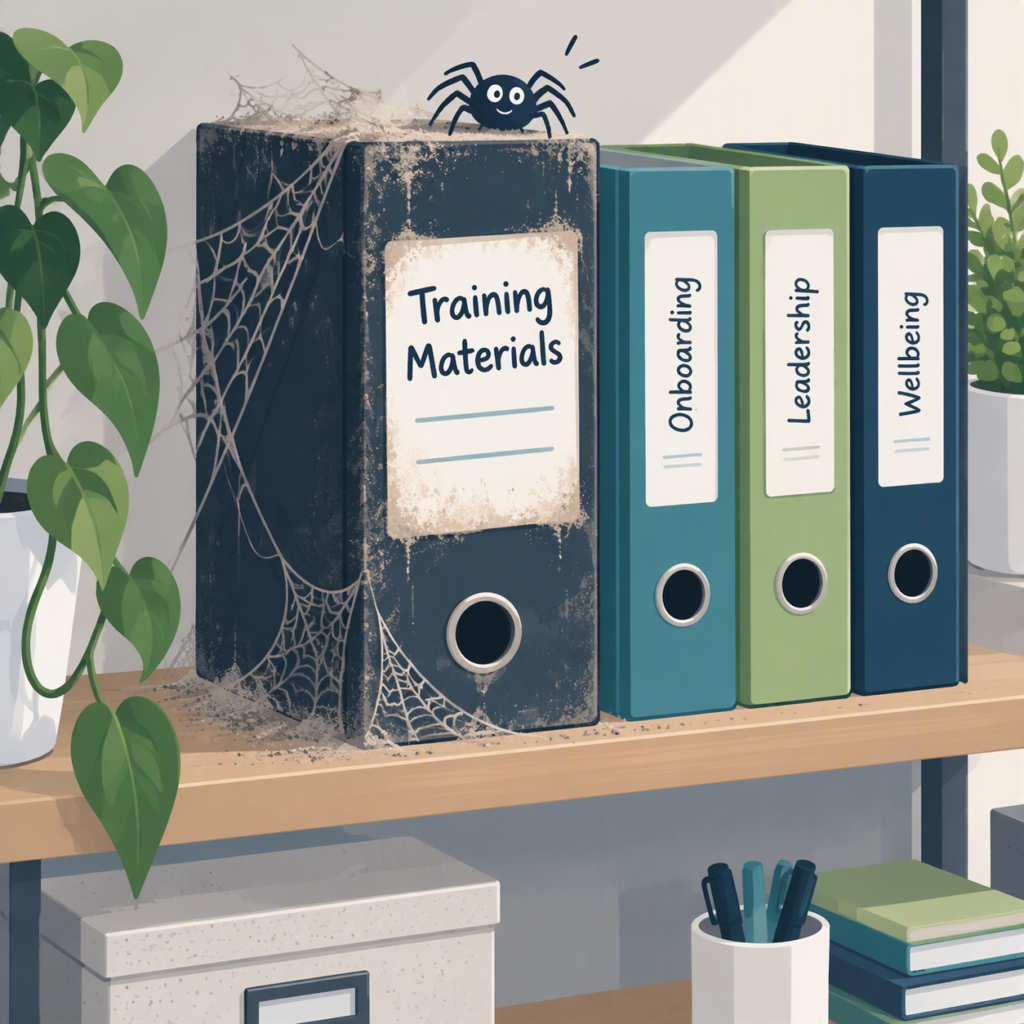
Why Software Training Doesn't Stick
It's rarely the people. More often, it's how the training was put together.
- It's one-size-fits-all. Generic, off-the-shelf software training covers everything the software can do, rather than what your team actually need it to do. Half of it doesn't apply, so people switch off.
- It's too much at once. Cramming a whole day of new features in is a bit like learning an entire dance routine in one go. You're fine for the first eight steps, then it's just flailing.
- Nobody explains what's in it for them. If people can't see how it makes their own day easier, it's hard to stay engaged. Once they can, they're far more interested, and much more likely to remember it.
- It's done to people, not with them. When training just happens to a team, rather than being shaped around them, it soon feels like a box-ticking exercise.
- There's no follow-up. The session ends, everyone heads back to their desk, and there's nothing to fall back on when they get stuck the next week.
- The timing's off. Too early, and it's forgotten before the new system arrives. Too late, and everyone's already found their own workarounds.

What Actually Works
Back to that dance class for a moment. Nobody learns a whole routine in one lesson. You pick up a few steps, practise them until they feel natural, then add a few more. And it really helps to have someone there to spot when you've put a foot in the wrong place. Good software training works in exactly the same way.
Software Training that sticks
- It's built around the people in the room. Their real tasks, their real files and the way they actually work, not a generic demo.
- It starts with "what's in it for me?" Show people how something saves them time on a job they do every week, and they'll want to use it.
- It goes for quick wins. A couple of genuinely handy shortcuts people can use that same afternoon do more for confidence than a long list of features.
- It's bite-sized. Shorter sessions and smaller groups leave room for questions and for actually trying things out.
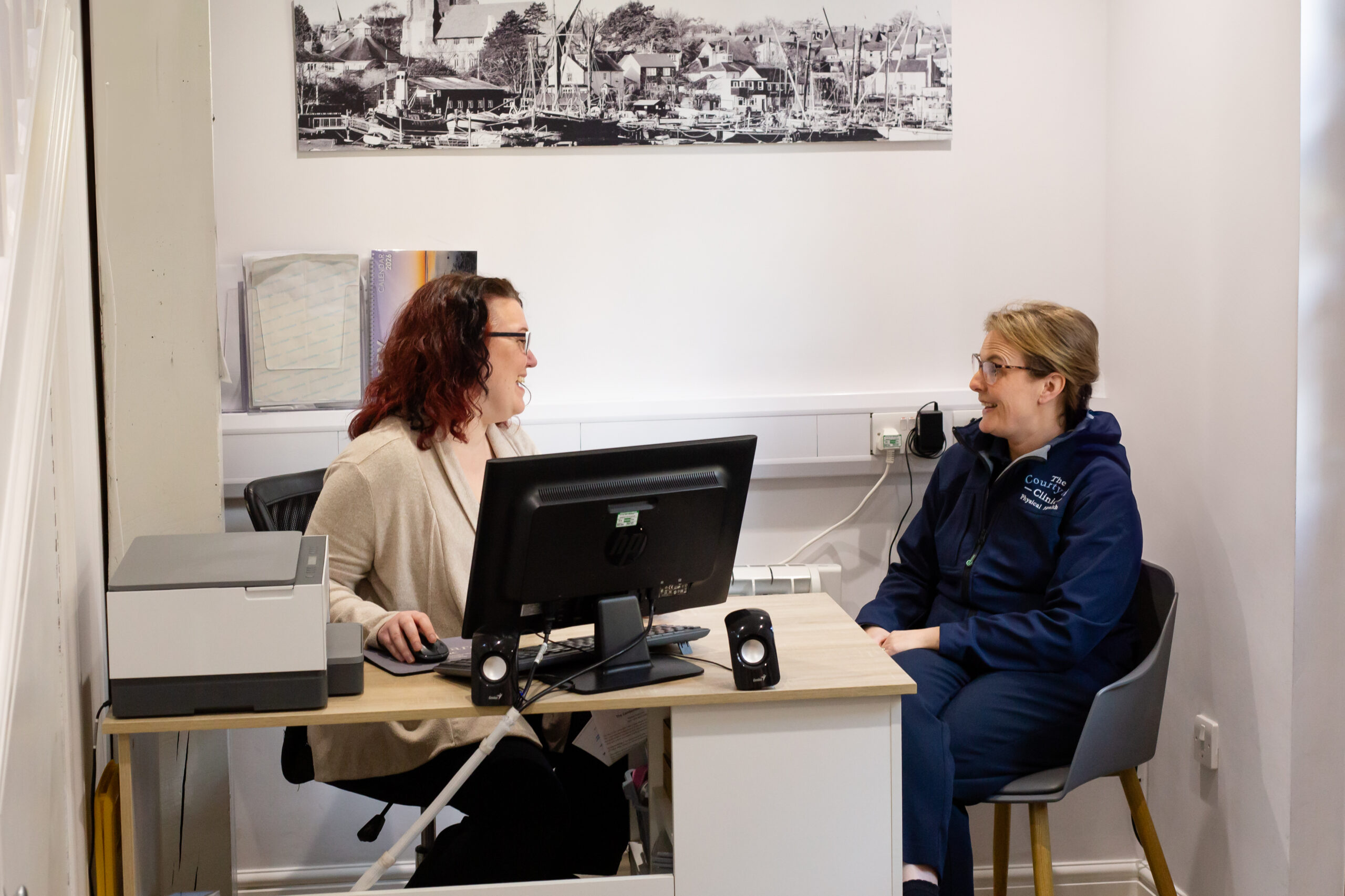
- It happens at their own desk. Learning on the same screen they use every day makes it much easier to pick up where they left off.
- There's something to come back to. Guides, resources and support for those "how did we do that again?" moments.
Buy-In Is Everything
If there's one thing I always tell clients, it's this: the key to any new system, process or tool is getting your team's buy-in.
You can choose the best software in the world, set it up beautifully and announce it with great fanfare. But if your team don't see why it matters to them, they'll quietly carry on as before, or come up with clever workarounds.
That's why I like to involve people early. Ask what slows them down, what they'd love to stop doing and what they're unsure about. When the training answers their questions, rather than the software's sales pitch, people come away actually wanting to use it.
It's the same whether you're rolling out Microsoft 365, introducing AI tools, switching to new cloud software or changing how a process works. Good software training is what turns a shiny new system into the way your business actually works.
Where to Start
A good first step is simply to ask your team one question: "What's the one task that takes you longer than it should?" The answers will tell you a lot about where software training could make the biggest difference, and they're a great starting point for shaping it around your people.
This is the part of my work I love. I create bespoke training built around your team and the tools you already use, delivered remotely so everyone can learn from their own desk, with resources to come back to afterwards. Take a look at my Microsoft 365 training, my AI training, or see the training options and prices.
Or if you'd rather just have a chat, get in touch: helena@optimisedoffice.co.uk