What Making Tax Digital means for sole traders and landlords, who's next in line, and how to get your systems ready before the deadline sneaks up on you.
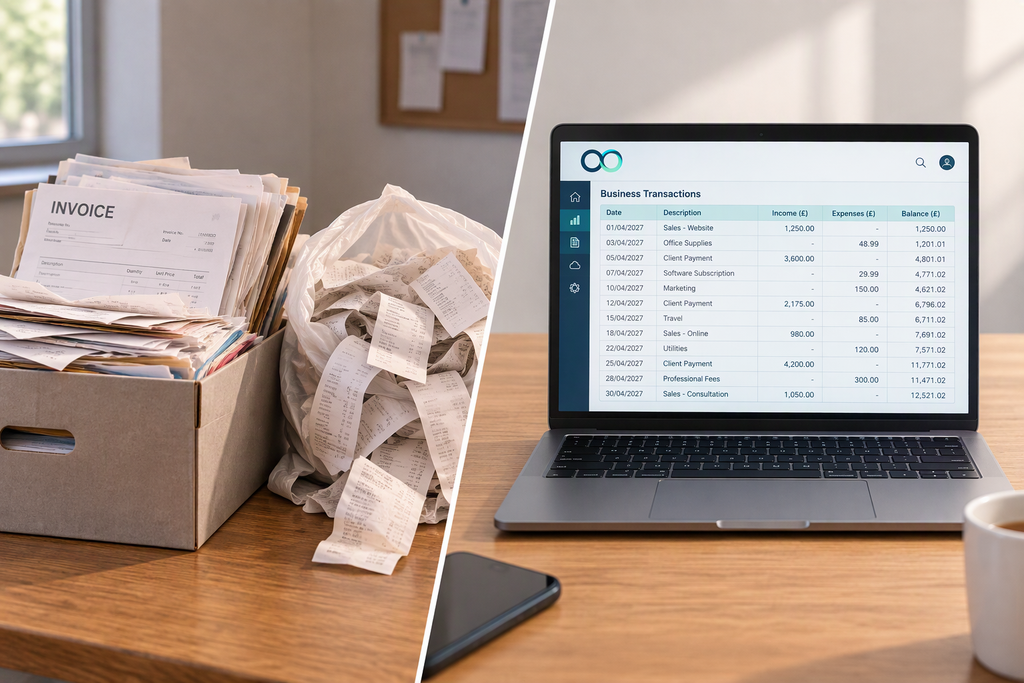
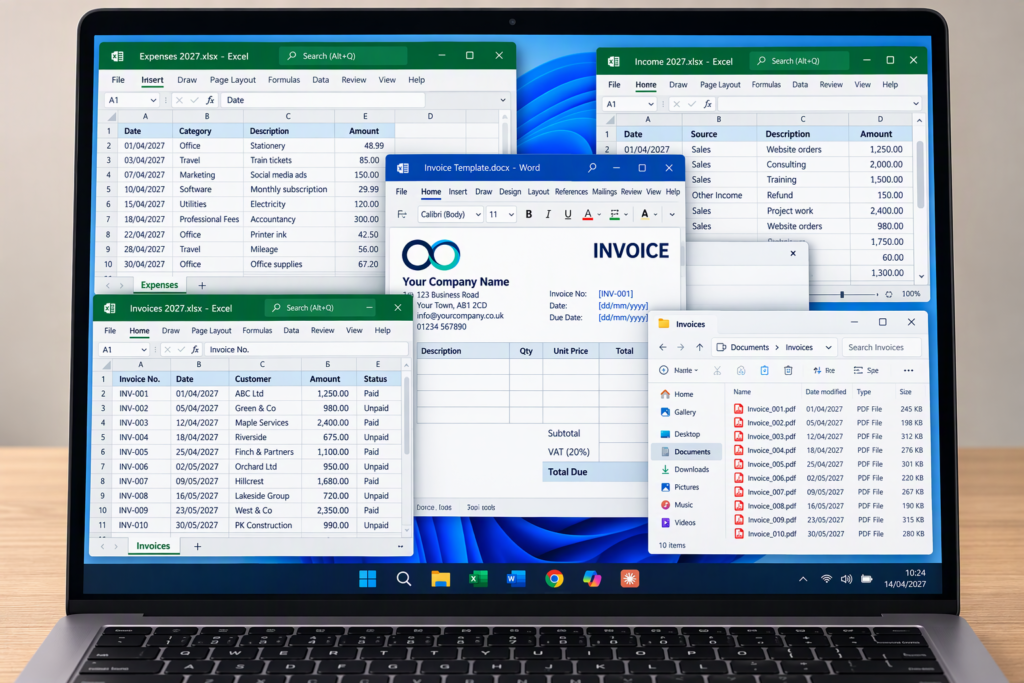
Most of us have come a long way from receipts stuffed in a carrier bag and invoices filed in a shoebox. These days, it's more likely to be a handful of spreadsheets, an invoice list in Word and a folder of PDFs, none of which quite talk to each other. It works, more or less, until January comes round and you spend a weekend piecing it all together. If that sounds familiar, Making Tax Digital is about to change your routine.
Now, I should say straight away that I'm not an accountant, and this isn't tax advice. But here's the thing: Making Tax Digital doesn't change how much tax you pay. It changes how you keep your records and send them to HMRC, which makes it far more about systems than tax. And systems are very much my thing. So grab a cuppa, and let's look at what it means and how to make the switch as painless as possible.
What Is Making Tax Digital?
Making Tax Digital is HMRC's new way for sole traders and landlords to report their income. Instead of pulling everything together once a year, you'll need to keep digital records throughout the year, use software that works with HMRC, and send a quarterly update every three months.
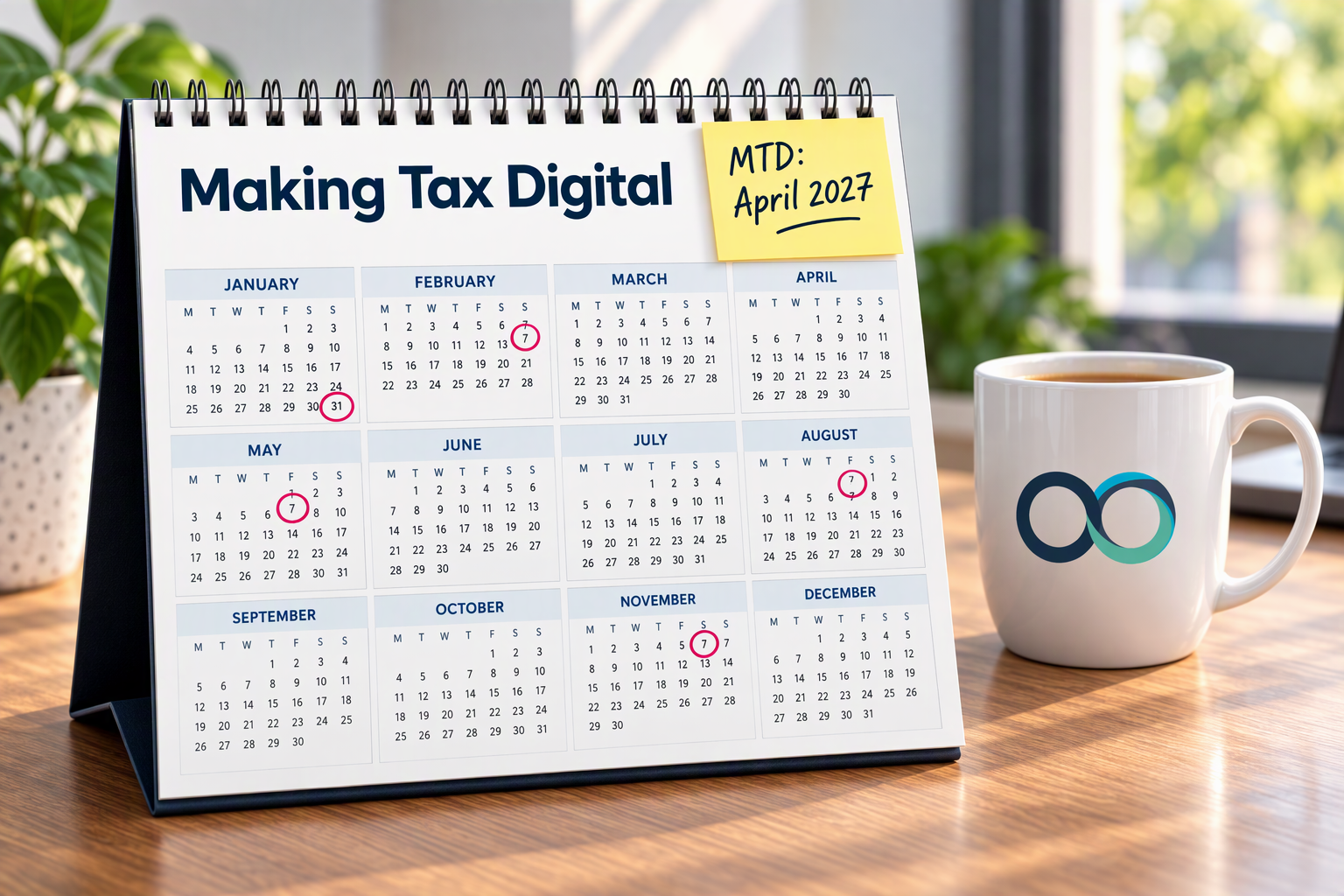
The good news is that a quarterly update is a summary of your income and expenses, not a full tax return. You'll still complete your tax return at the end of the year, with the same 31 January deadline.
It's being rolled out in stages, based on your income from self-employment and property:
- From April 2026: income over £50,000 (this group has already started)
- From April 2027: income over £30,000
- From April 2028: income over £20,000
One thing that often catches people out: the thresholds are based on your income before expenses, not your profit. And if your business is a limited company, this particular change doesn't apply to you.
Who's Next?
If your income from self-employment and/or property is over £30,000, April 2027 is your start date. That might feel a long way off, but your first quarterly update will cover the first three months of the tax year, so your records need to be digital from day one.
And if there's one thing I've learned from years of helping businesses change systems, it's that the last thing you want is to be setting up new software and learning how it works in the same month the deadline lands.
Even if your income is over £20,000, with April 2028 as your start date, it's still well worth getting things in order sooner rather than later. There's really no point putting it off. Building good habits now means that when your turn comes, it'll feel like business as usual rather than a mad scramble.
It's Really a Systems Change
Here's the bit that doesn't get talked about enough. Making Tax Digital isn't just a new form to fill in. It changes your whole routine, from one big annual scramble to a little-and-often habit.
For some people, that's a small tweak. They're already using accounting software, it's connected to their bank, and they're more or less there already.
For others, it's a bigger leap. Invoices in one spreadsheet, expenses in another, client details in a Word document and receipts saved as photos on a phone. Each piece works on its own, but nothing joins up, so pulling it all together takes far longer than it should. If that sounds familiar, now's the time to start tidying, while there's no pressure.
Software or Spreadsheet?
When it comes to getting MTD-ready, there are two main ways to go:
- Accounting software. If you'd like everything in one place, accounting software is the all-in-one option. Many popular packages are already compatible with Making Tax Digital. They keep your records, connect to your bank so transactions flow in automatically, and send your updates to HMRC. Lots also come with handy extras, like receipt capture and invoicing, so you can wave goodbye to juggling separate spreadsheets.
- Your spreadsheet, plus bridging software. If you're happiest working in Excel and don't fancy learning a whole new accounting package, good news: you don't have to. You can keep your spreadsheet and add bridging software, which links it to HMRC and sends your updates for you. Your records still need to be kept digitally, so no copying figures across by hand, but the way you work day to day can stay much the same.
Choosing between them isn't always straightforward. When I help a business make the switch, we make sure whatever you choose is on HMRC's list of recognised software, and that it works nicely with whatever your accountant uses. The result is a setup that's ready for HMRC, fits the way you already work, and means everyone's working from the same figures in the same system.
As always, I'm not tied to any software provider. The right choice is the one that fits how you actually work, not the one with the shiniest advert.
Where Automation Can Help
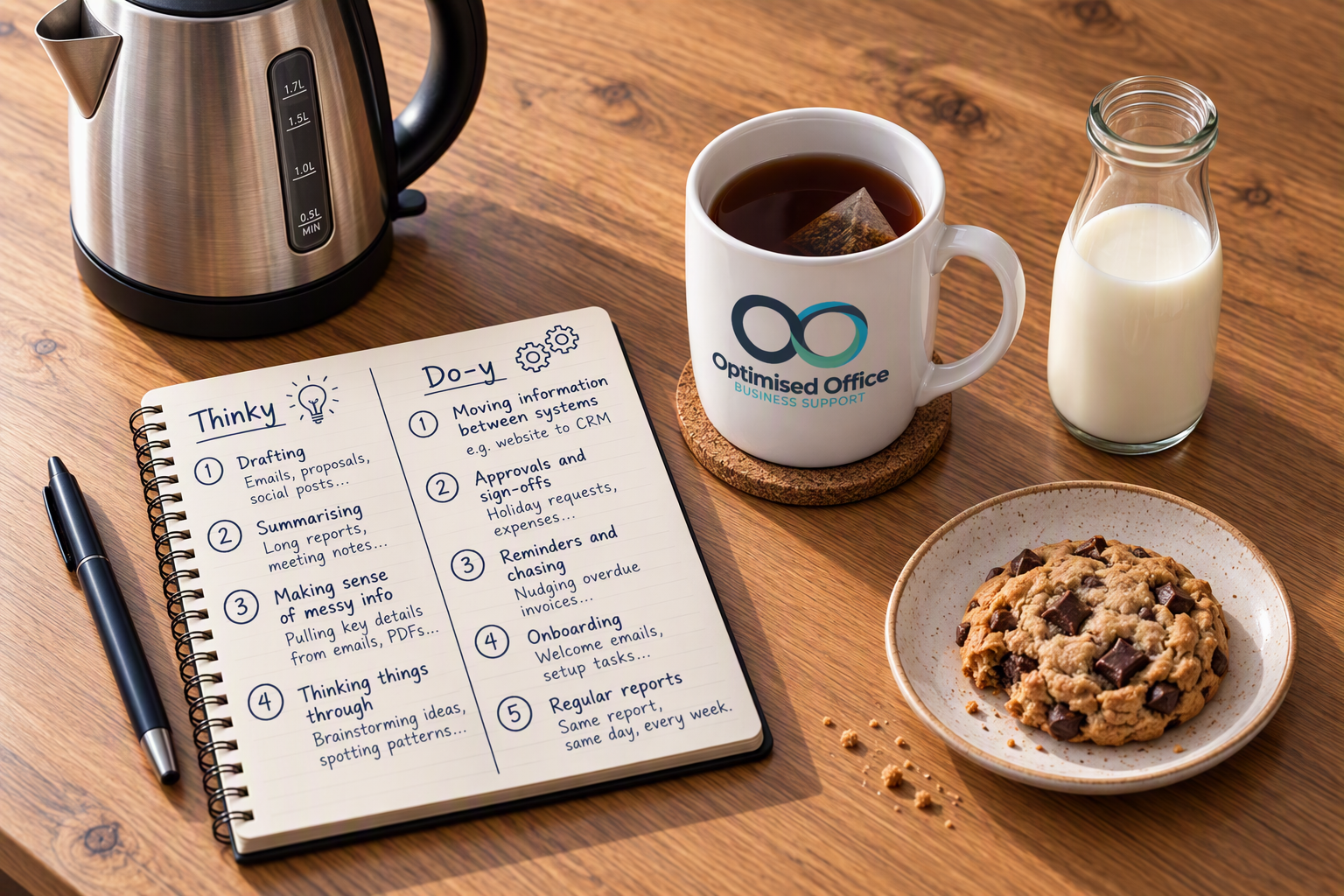
This is where things get exciting (well, exciting to me, anyway). Quarterly reporting is a perfect job for do-y tech (automation), the reliable, rule-following side of technology that never gets bored.
A bank feed that pulls in your transactions automatically means far less typing. A receipt app lets you snap a photo the moment you buy something, so it's stored alongside everything else rather than lost in your camera roll. Rules can sort regular payments into the right category without you lifting a finger. And reminders in your calendar or task list, set up once in Microsoft 365, mean the quarterly deadline never creeps up on you.
Get those foundations in place, and each quarterly update becomes a quick check rather than a mad dash. Better still, by the time your annual tax return comes round, the hard work's already done, as everything's been kept up to date throughout the year. And because you're on top of your figures every few months rather than once a year, you'll have a much clearer picture of how your business is doing all year round.
Where to Start
A good first step is to check whether, and when, Making Tax Digital applies to you. HMRC has a simple checker on GOV.UK, and your accountant will be able to confirm the details for your situation.
Then, take an honest look at how you keep your records today. If it's already digital and connected, you may only need a few tweaks. If it's spread across lots of separate spreadsheets and documents, now is the perfect time to start making the switch, one small step at a time.
If you'd like a hand choosing the right software, tidying up your records or setting up the automation that makes quarterly updates painless, that's exactly the kind of thing I love helping with. Take a look at my cloud software support, my business systems and automation support, or see how we could work together.
Or if you'd rather just have a chat, get in touch: helena@optimisedoffice.co.uk