What the DfE digital and technology standards mean for schools, why they're about far more than Wi-Fi and cables, and how to make steady progress before 2030.
If you're a headteacher, school business manager or part of a multi-academy trust, there's a good chance "the DfE digital standards" has come up in a meeting recently. Whether your school is already well on the way or just starting to look at them, it's worth knowing what they involve and where you might want a helping hand.
The Department for Education wants every school and college to meet six core digital and technology standards by 2030. That might sound like a job for the IT team alone, but a surprising amount of it is about people, processes and the everyday tools your staff already use. So grab a cuppa, and let's look at what's involved.
What Are the DfE Digital Standards?
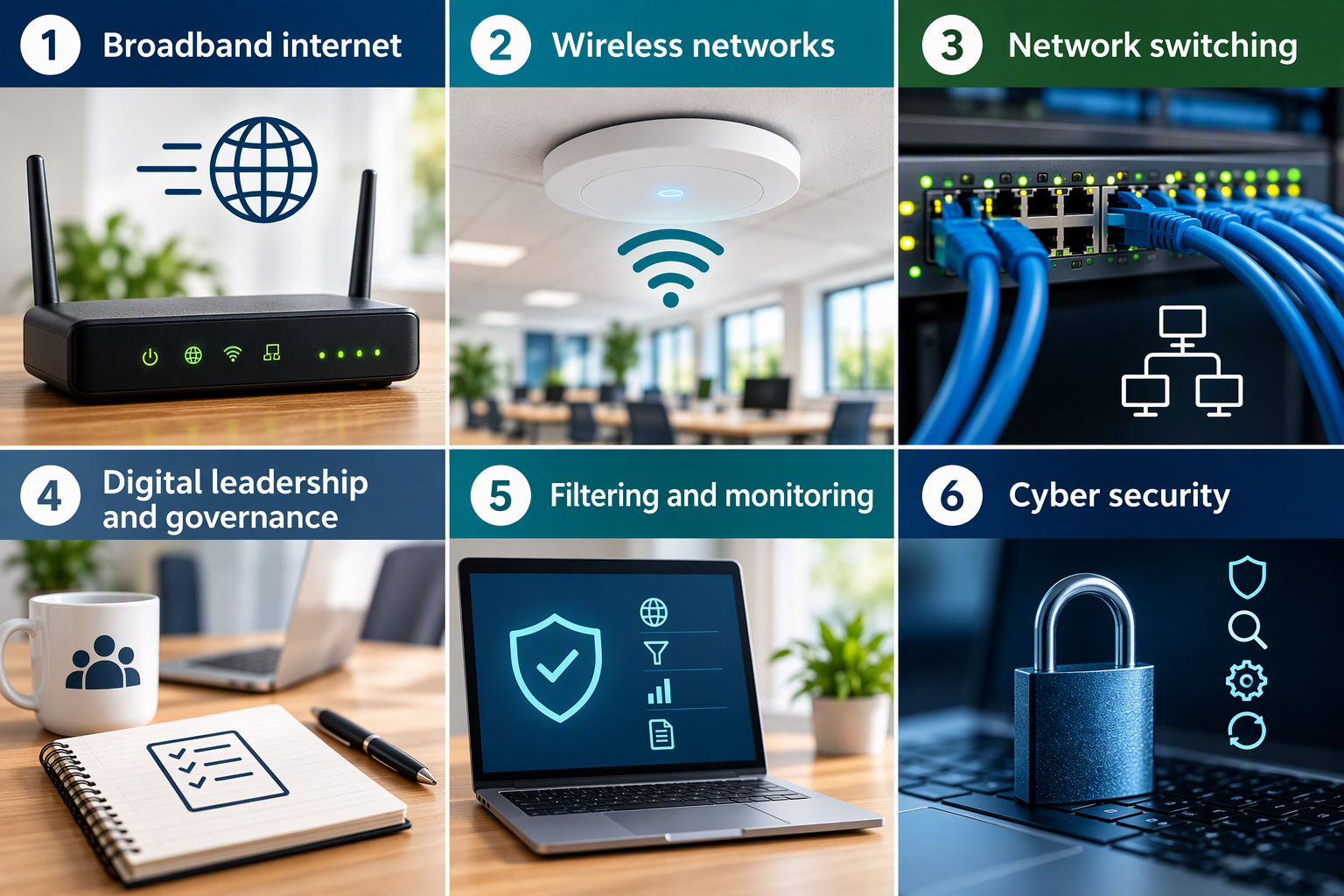
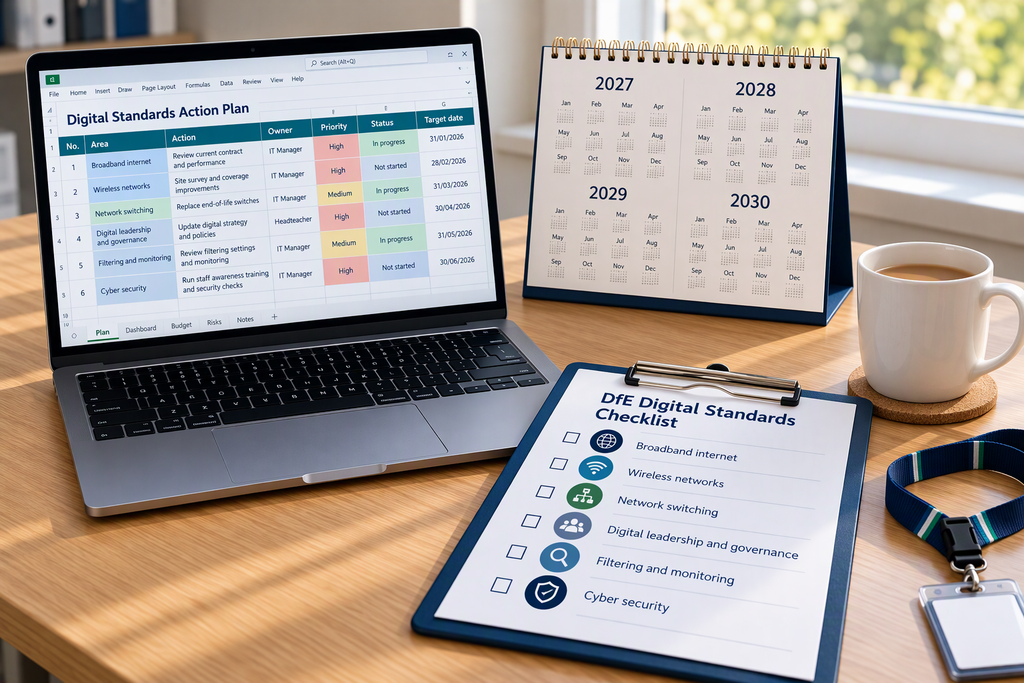
The DfE has published a set of digital and technology standards to help schools and colleges use the right technology, safely and well. Six of these are core digital standards that every school should be working towards meeting by 2030:
- Broadband internet
- Wireless networks
- Network switching
- Digital leadership and governance
- Filtering and monitoring
- Cyber security
Alongside those sit further standards, covering things like cloud solutions, digital accessibility, servers and storage, and laptops, desktops and tablets. The DfE's free Plan technology for your school service can help you see where you are and what to tackle first.
The DfE Standards Are About More Than Cables and Wi-Fi
The first three core standards, broadband, wireless and network switching, are firmly in the hands of your IT support provider. They're the pipes and wires that everything else runs on.
But look a little closer, and much of the rest is about how your school organises, manages and uses its technology. Who's responsible for it? What do you actually have, and what are you paying for? Do staff know how to use it safely? Is your information stored in a sensible, secure way? These are the questions where schools often need a helping hand, and they're exactly where I come in, working alongside your IT support rather than instead of it.
Digital Leadership and Governance
This core standard asks schools to have a member of the senior leadership team responsible for digital technology, and to keep clear records of what you have. That includes a contracts register covering your licences, subscriptions and an approved list of apps, along with an asset register and an information asset register.
In plenty of schools, this information is spread across several spreadsheets, a few email inboxes and the memory of one very organised school business manager. Pulling it together into simple, joined-up registers that are easy to keep up to date, whether in Excel or a Microsoft List, makes the standard far less daunting. And while you're at it, it's a brilliant opportunity to spot subscriptions nobody's using any more and licences you're paying for twice.
The standard also asks for a digital technology strategy for your school or trust. It doesn't need to be a weighty document, just a clear, practical plan for where your school wants to get to, and the steps to get there.
Cyber Security: It's About People Too
Much of the cyber security standard is technical, and that sits with your IT support. But a lot of it comes down to people: staff knowing how to spot a dodgy email, using strong passwords and multi-factor authentication, and understanding what's safe to share and where.
The same goes for AI. Staff are increasingly using AI tools to help with planning, reports and admin, often without anyone in charge knowing which ones. A simple, friendly AI policy, along with training on the approved tools, keeps everyone confident and your school's data where it belongs.
Cloud Solutions and Microsoft 365
Most schools already use cloud tools like Microsoft 365 every day. The cloud solutions standard is about using them well: making sure the right people have access to the right things, that personal data is protected, and that your files are organised and backed up properly.
If your Teams and SharePoint have grown into a bit of a maze, with folders everywhere and nobody quite sure who can see what, a tidy, sensible structure makes a big difference. It's safer, it's easier for staff to find what they need, and it'll make life simpler for new starters, too.
Office 365 A1 Is Being Retired: What It Means for Schools
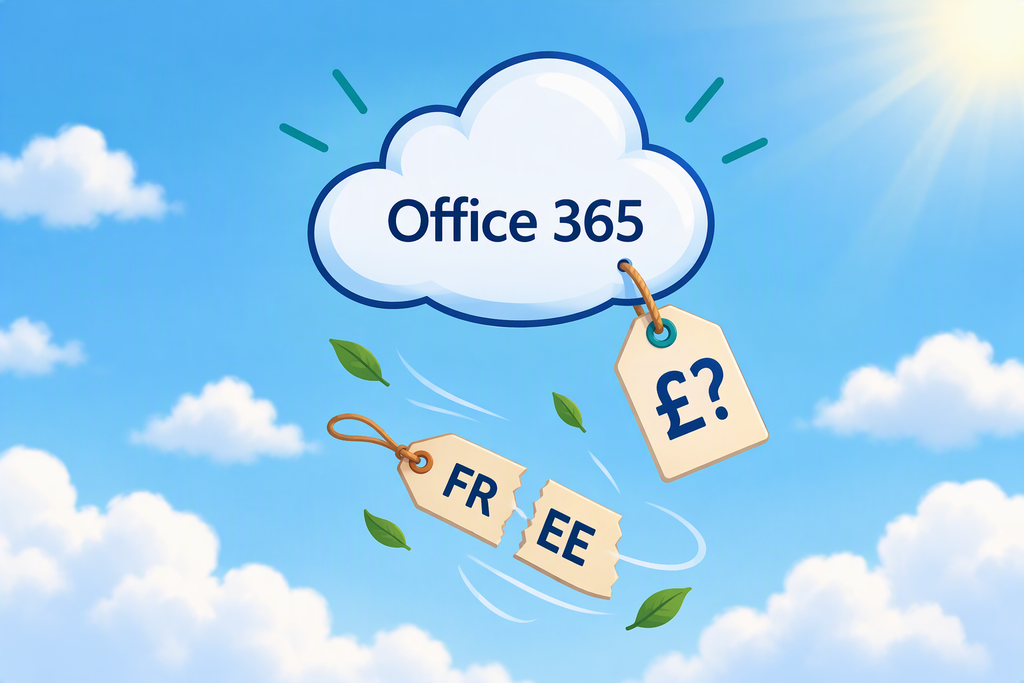
If your school uses Microsoft 365, there's some fresh news to factor in. On 5 November 2026, Microsoft announced a big shake-up of its education licences.
The free Office 365 A1 licence and the Student Use Benefit are being retired, and for each school, they'll end at your first renewal on or after 1 January 2028. The free 100 TB storage pool is going too, and a new line-up of A0, A2, A3, A5 and A7 licences takes their place.
The new free A0 licence is for students only, and it doesn't include email, SharePoint or Teams. It also depends on staff being on a paid licence. So for many schools, this will mean decisions, and probably new costs, about who needs which licence. At the other end of the scale, the new A7 tier includes Microsoft 365 Copilot as standard, which brings AI into the licensing conversation too.
The good news is that this fits neatly alongside the standards. Your contracts register is the natural home for your licences and renewal dates, so you can see exactly when the change will affect you. With storage allowances changing, it's also the perfect excuse to tidy up Teams, SharePoint and OneDrive, so you're not paying to keep files nobody needs. And if your licences are changing, a little training will help staff feel confident with whatever they're using next.
Your IT support or licensing partner will be able to advise on the right licences and costs for your school. I can help with the bits around it: getting your registers in order, tidying up your files, and making sure your staff are ready for the change.
Digital Accessibility
The accessibility standard is about making sure your school's digital content works for everyone, including pupils, parents and staff with additional needs. The good news is that the tools to help are already built into Microsoft 365, from accessibility checkers in Word and PowerPoint to Immersive Reader. Most staff just haven't been shown how to use them yet, and a short, practical training session can change that.
Staff Training and Buy-In
As with any change, the standards will only stick if your staff are on board. If there's one thing I always say, it's that buy-in is everything. Training that's built around your staff and the tools they actually use, delivered in bite-sized chunks that fit around a busy school timetable, helps new ways of working become part of everyday school life, rather than another thing on an already very long to-do list.
DfE Digital Standards: Frequently Asked Questions
What are the six core DfE digital standards?
The six core DfE digital and technology standards are broadband internet, wireless networks, network switching, digital leadership and governance, filtering and monitoring, and cyber security. Together, they give schools and colleges the essential infrastructure and governance they need, and a strong foundation for meeting the wider DfE standards, such as cloud solutions and devices.
Are the DfE digital standards mandatory for schools?
The DfE digital and technology standards are guidance rather than law. However, some of them support legal duties schools already have. Keeping Children Safe in Education, the DfE’s statutory safeguarding guidance, expects schools to have appropriate filtering and monitoring in place, and to consider the cyber security standards. So rather than treating these areas as a 2030 target, schools should be meeting them now.
When do schools need to meet the DfE digital standards?
All schools and colleges in England should be working towards meeting the six core DfE digital standards by 2030. The DfE’s free Plan technology for your school service can help you check your progress and plan next steps. The standards are also a useful checklist when renewing contracts with technology providers, so you can make improvements as part of your usual buying cycle.
Do the DfE digital standards apply to multi-academy trusts?
Yes. The DfE digital standards apply to all schools and colleges in England, including every school in a multi-academy trust. The Academy Trust Handbook 2026 also reminds trusts that they should be working towards meeting the six core standards by 2030. To make this easier, trusts can use Plan technology for your school to complete self-assessments for each of their schools.
When does Office 365 A1 end for schools?
Microsoft is retiring the free Office 365 A1 licence at each school’s first contract renewal, extension or new agreement on or after 1 January 2028. New A1 licences are no longer sold directly by Microsoft as of 5 November 2026, and partners stop selling them on 1 May 2027. Checking your renewal date and reviewing your staff and pupil accounts early will help you budget for any replacement licences.

Where to Start
Whether you're a single school or a multi-academy trust, a good first step is to run through the DfE's Plan technology for your school service, which will help you see where you're already meeting the standards and where the gaps are. Then, have a chat with your IT support about the technical side, and make a note of the people and process pieces, like registers, policies and training, that need some attention.
That's where I fit in. Your IT support keeps your systems running safely, and I focus on how your school actually uses them day to day: joining up your registers and processes, making sense of your software and licences, and training staff so the tools become part of everyday school life. Think of it as two halves of the same job. Your IT support makes sure the tools are in the toolbox and working properly. I help sort and organise them, so you're not carrying more tools than you need, everything has its place, and you always know which one to reach for.
2030 might feel a long way off, but steady progress now is far easier than a last-minute rush. If you'd like a hand with the parts that sit outside the cables and Wi-Fi, from getting your registers in order and tidying up Microsoft 365 to staff training and a sensible AI policy, I'd love to help. Take a look at my Microsoft 365 support, my AI adoption support, my business systems support and my cloud software support, or see how we could work together.
Or if you'd rather just have a chat, get in touch: helena@optimisedoffice.co.uk